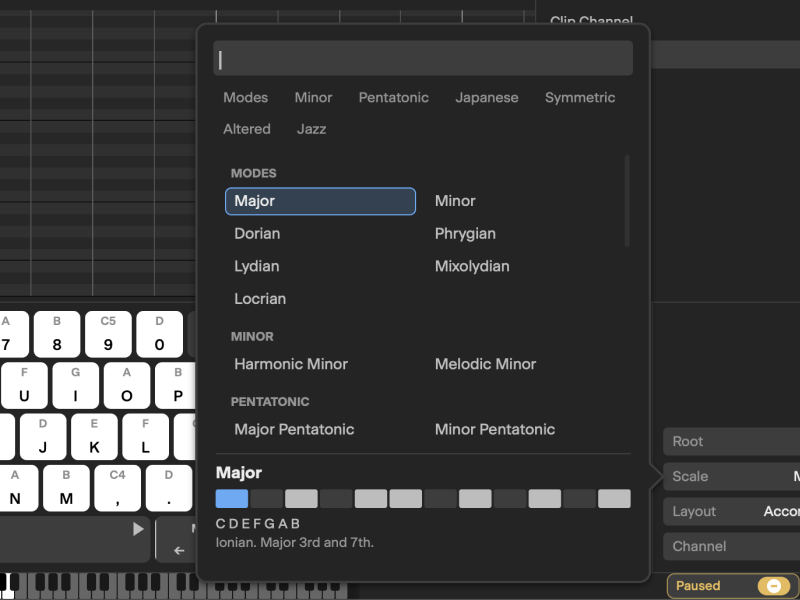
Musical Performance Tools
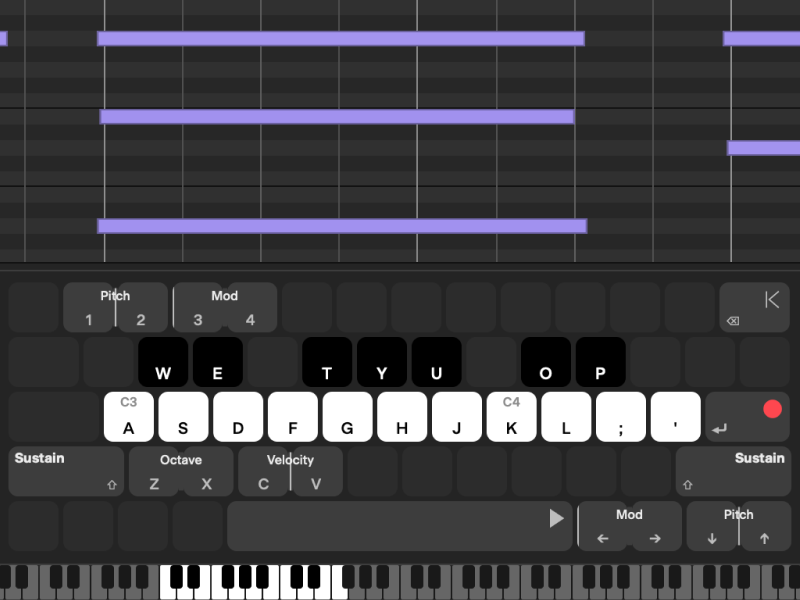
Use the built-in virtual keyboard to play in key with scale mapping, root-note control, and flexible keyboard layouts that feel natural for songwriting and beat-making.
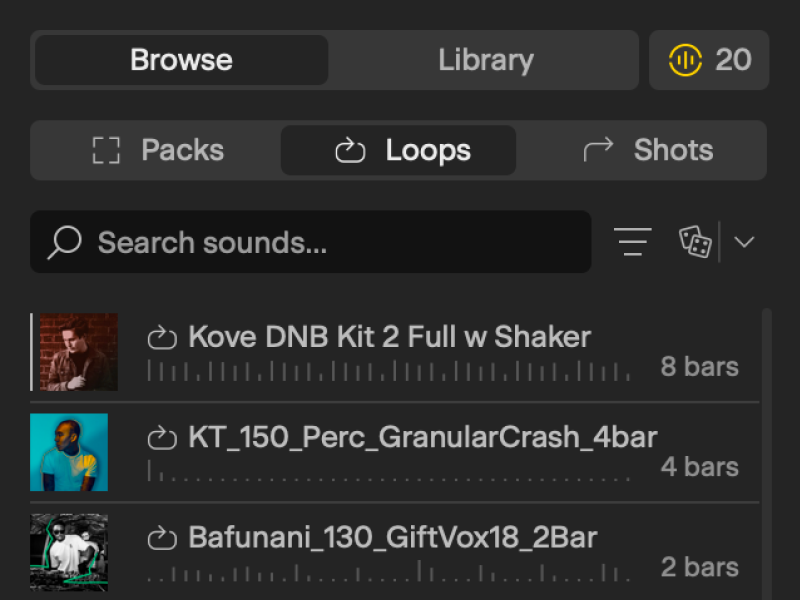
Harness a Universe of Sounds
Browse, preview, and organize sounds with Favorites, Claimed sounds, and Collections while keeping access status visible in context.
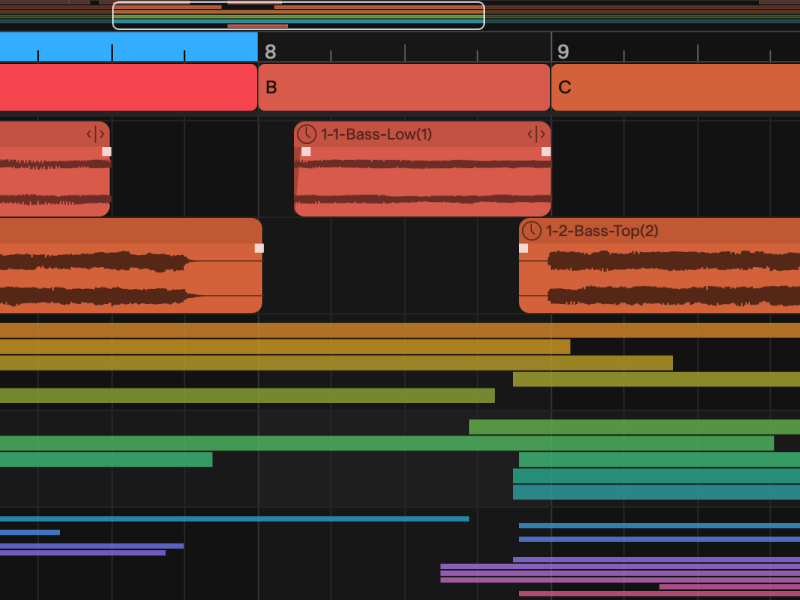
Timeline Navigator
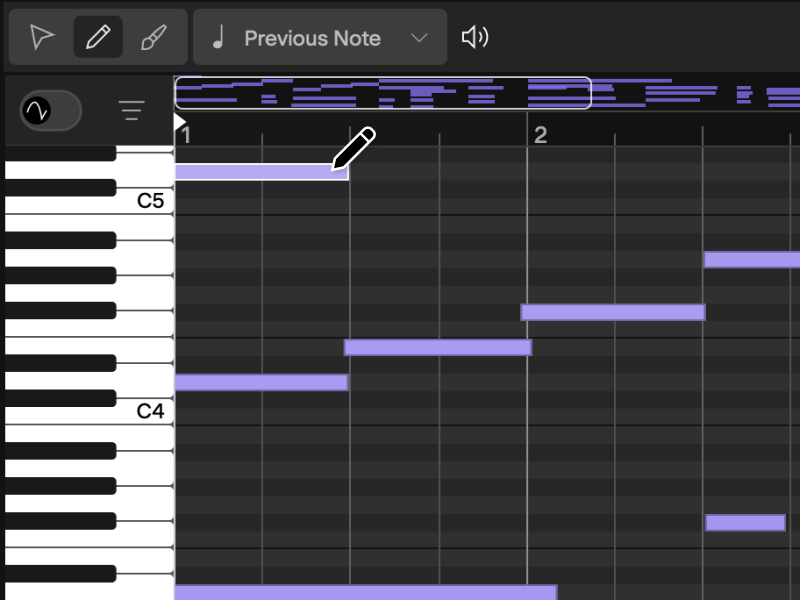
Jump around your session quickly with a zoomable, scrollable bird’s-eye view of the project to stay oriented while building tracks.
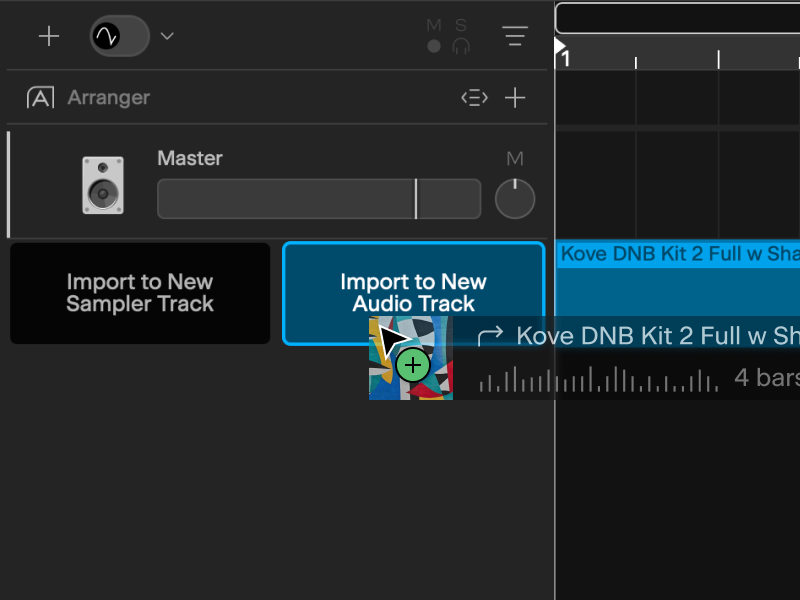
Drag, Drop, Create
Drag audio or MIDI into empty space and let Next create the right track type automatically.
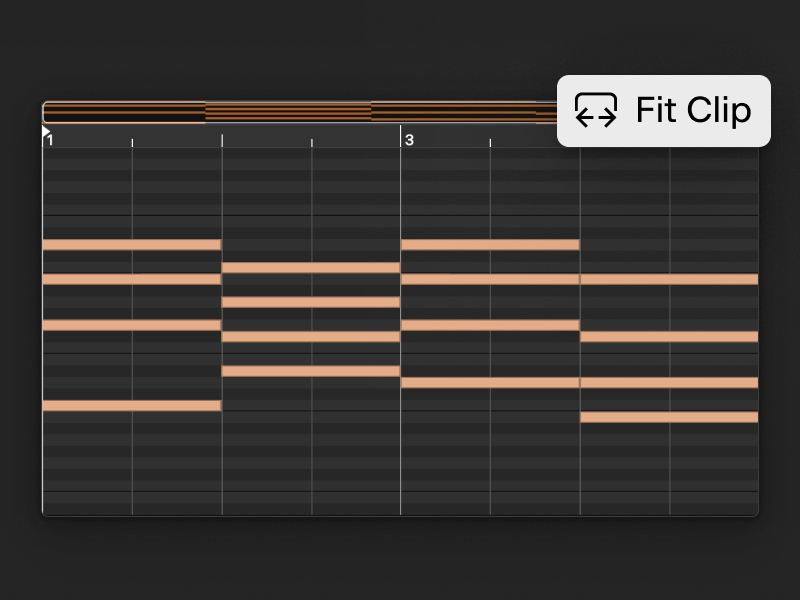
Clip & Timeline Modes
Work close to the details or step back to the bigger picture without losing your flow.
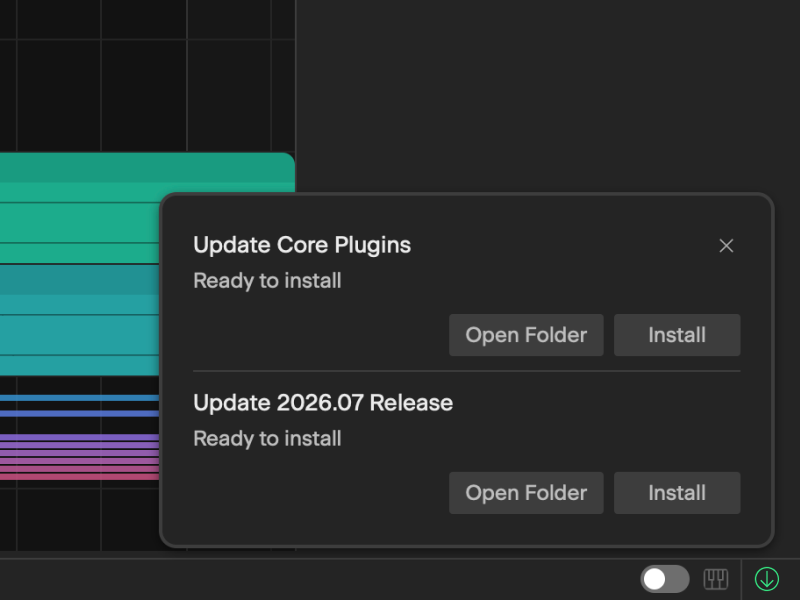
Activity Center
Track downloads, plugin scans, uploads, and project loads without being distracted from your session.
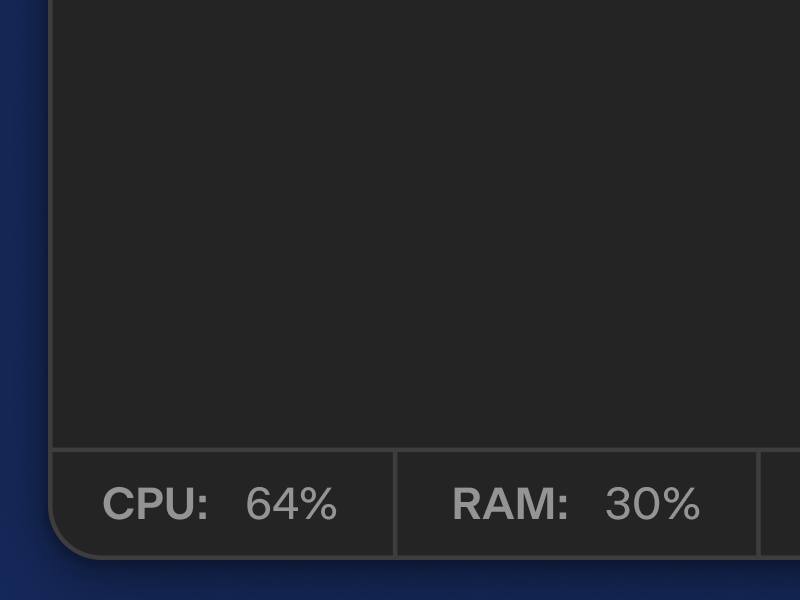
Status Bar Dashboard
Stay informed about CPU, RAM, and project activity without breaking your creative flow, with convenient access to an integrated virtual keyboard.
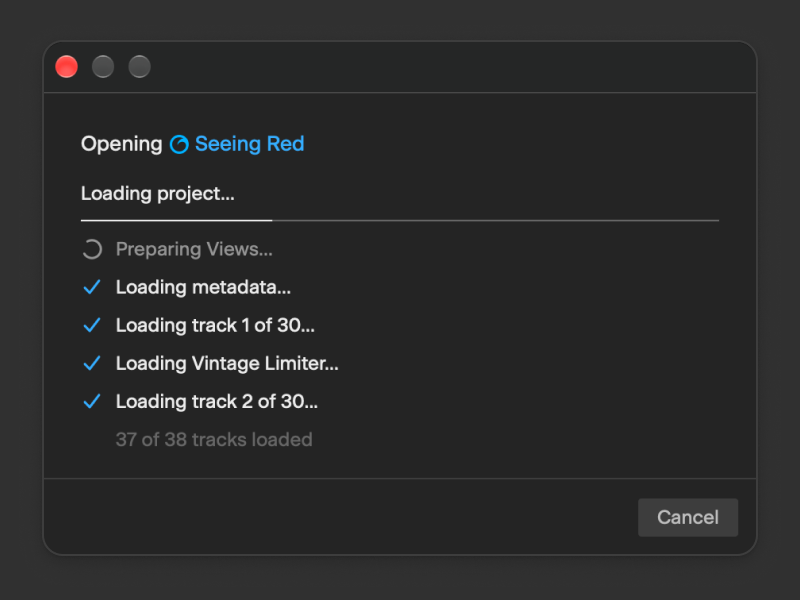
Better Everyday Stability
A stronger focus on crash prevention and workflow reliability means fewer interruptions when editing MIDI, working with clips, or loading projects.